Getting started
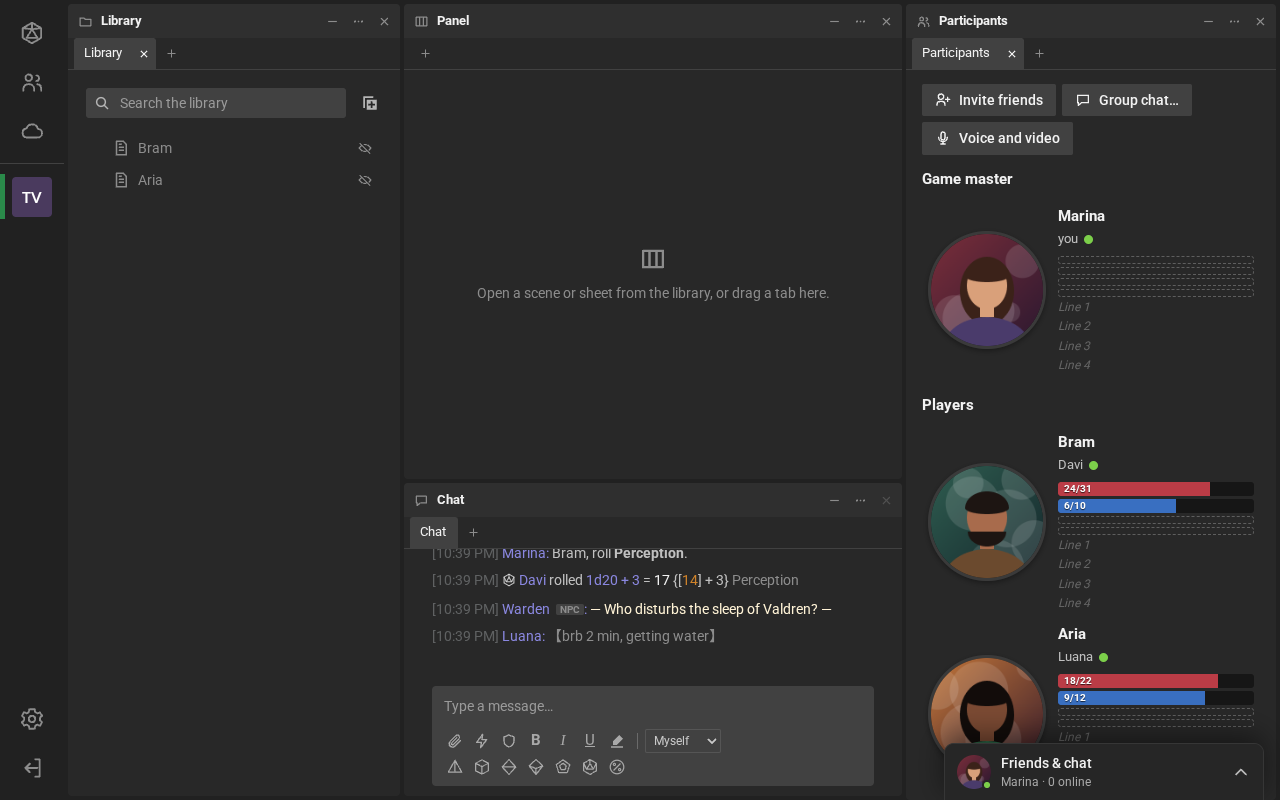
RPG Desk is a virtual tabletop for RPGs. The group meets in a room: they talk in the chat or by voice, roll dice (in 3D, for everyone to see), keep the characters’ sheets and explore the adventure’s map. It runs in the browser, with nothing to install, on a phone too.
For players
Section titled “For players”- Create your account and pick a picture in Settings → Profile.
- Find a room in Rooms, or open the link the game master sent you: see Find a room and join.
- In the room, you arrive as a spectator. The game master makes you a player and, usually, creates your character’s sheet.
- Talk in the chat, roll the dice and fill in your sheet.
For game masters
Section titled “For game masters”- Create your room and send the link to the players.
- Install the sheet plugin the room will use, in Room settings → Plugins (see Room plugins and tables).
- Build the first scene, with the map and the tokens.
- When the players arrive, make them players and create their sheets: see Players’ sheets.
In this section
Section titled “In this section”Create an account and sign inSigning up, the password and the language.
The home screenThe navigation bar and Home.
Find a room and joinExplore, the search and each room's details.
Create your roomFor game masters: from zero to the first session.
Profile, friends and conversationsYour profile, the Friends & chat panel, conversations and invites.
Desk CloudMaps, images and music kept in RPG Desk.
Your preferencesThe Settings pages, one by one.
On your phoneInstalling it as an app, the room tabs and the gestures.