
Create an account and sign in
To play, you need an account. Signing up has two steps and takes a minute.
Create the account
Section titled “Create the account”- On the sign-in screen, click Don’t have an account? Create one now.
- Fill in the E-mail and the Account name, and choose How should we refer to you? (masculine, feminine or neutral). Click Continue.
- Choose the Password, type it again in Repeat the password, check I have read and accept the terms of use and click Create account.
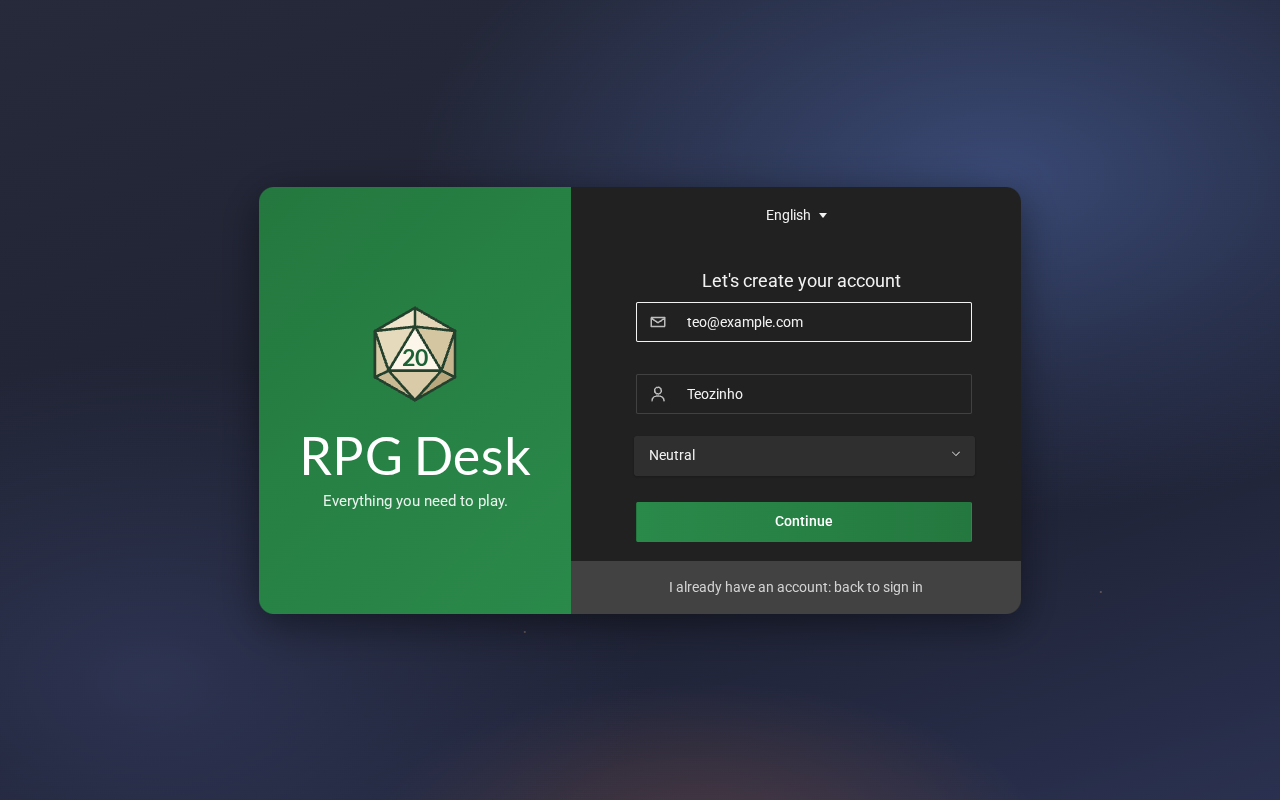
- The account name is how other people see you. It has 3 to 24 characters: letters, numbers, spaces, periods, hyphens or underscores. It must be unique: if it is taken, RPG Desk tells you.
- The password needs at least 8 characters.
- The form of address lets RPG Desk’s texts refer to you the right way (this matters in Portuguese, where words change with gender).
Sign in
Section titled “Sign in”On the sign-in screen, use your account name or e-mail and your password, and click Sign in.
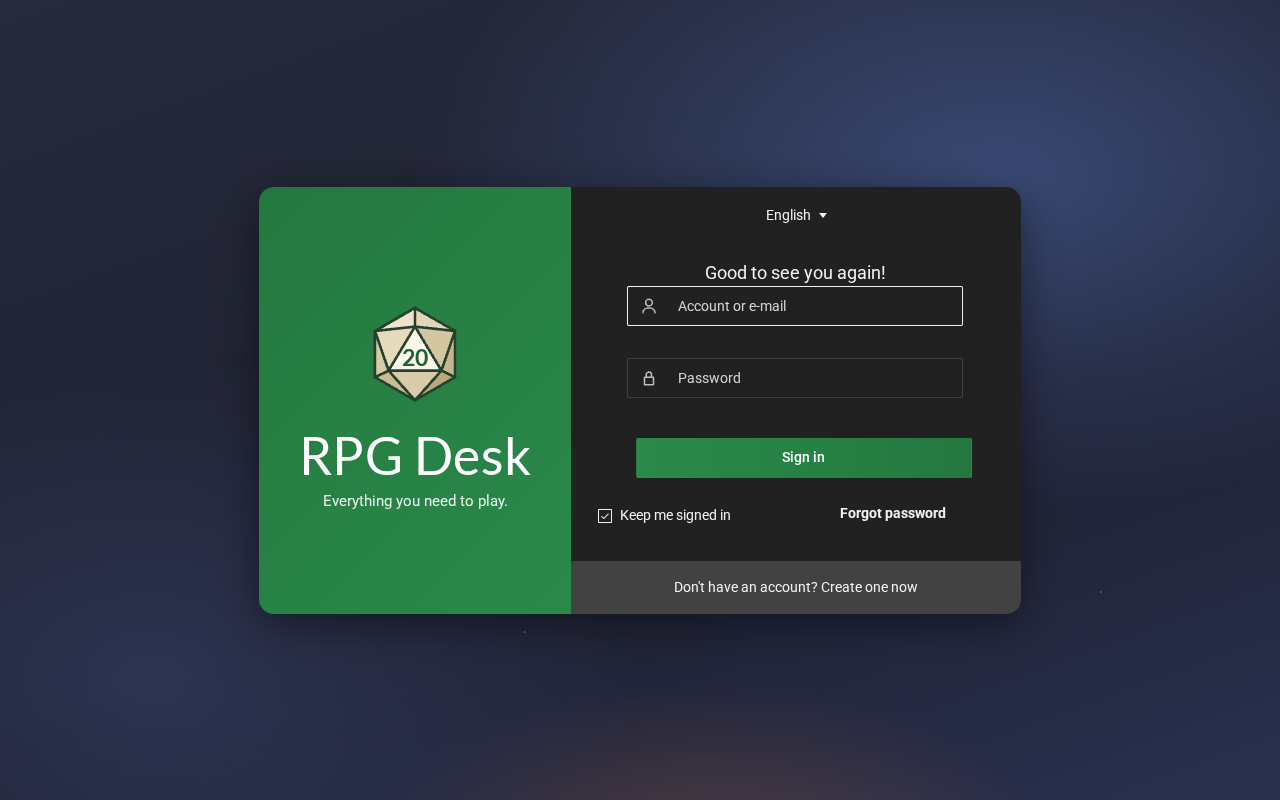
- Keep me signed in signs you in automatically next time, in this browser. Unchecked, the session ends when you close the tab.
- Sign out is at the bottom of the navigation bar, on the left.
Language
Section titled “Language”RPG Desk speaks Portuguese and English. It picks the language of your browser, and you can change it whenever you want:
- on the sign-in screen, in the selector at the top (English);
- after signing in, in Settings → General → Language.
In the Windows app
Section titled “In the Windows app”Besides the browser, RPG Desk has a Windows app with the same interface. The first time, if it cannot find the RPG Desk server, it shows a page where you enter the address. Ask whoever runs the server for it.