
Players' sheets
Each sheet has an owner: they and the game masters change the sheet; others, if they can see it, can only read it. Players can create their own sheets, but often the game master creates them and hands them out, already with the right owner.
Create a sheet for a player
Section titled “Create a sheet for a player”- Right-click the player, in Participants.
- Choose Create a sheet for… (or Create another sheet for…, if they already have one).
- Give the character’s name and click the system. The Sheet owner is already the player.
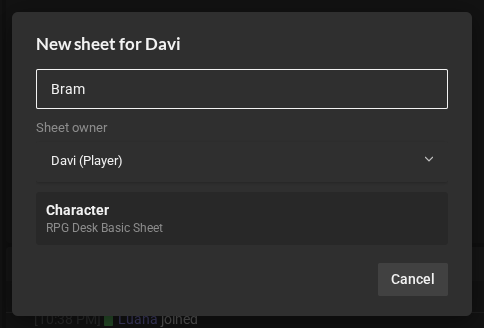
The new sheet becomes the player’s main character, if they do not have one yet: its name shows on their card, and the sheet fills in the card’s bars.
From the library (New item → New sheet…), the game master also chooses the Sheet owner: themselves, someone in the room, or Nobody: only the GMs edit it (good for NPCs).
Hand out, change the owner and choose the main character
Section titled “Hand out, change the owner and choose the main character”In the player’s menu, in Participants:
- Give … a sheet from the library…: pick a sheet that is not theirs yet; it becomes theirs.
- Choose …’s main character…: when they have more than one sheet. No main character removes the main one.
In the library, right-click a sheet → Change the sheet owner… gives the sheet to someone in the room or to nobody.
What players see
Section titled “What players see”Sheets start hidden from anyone who is not a game master. Owners always see their own; other players only see a sheet you release with Make visible to everyone (right-click it, in the library). A hidden sheet also does not show the character’s name on the card for others.
Parts only the game master sees
Section titled “Parts only the game master sees”Some sheets have a part for game masters only, like the GM tab of the RPG Desk Basic Sheet. What you write there never even reaches the players’ browsers: it is not just hidden on the screen.
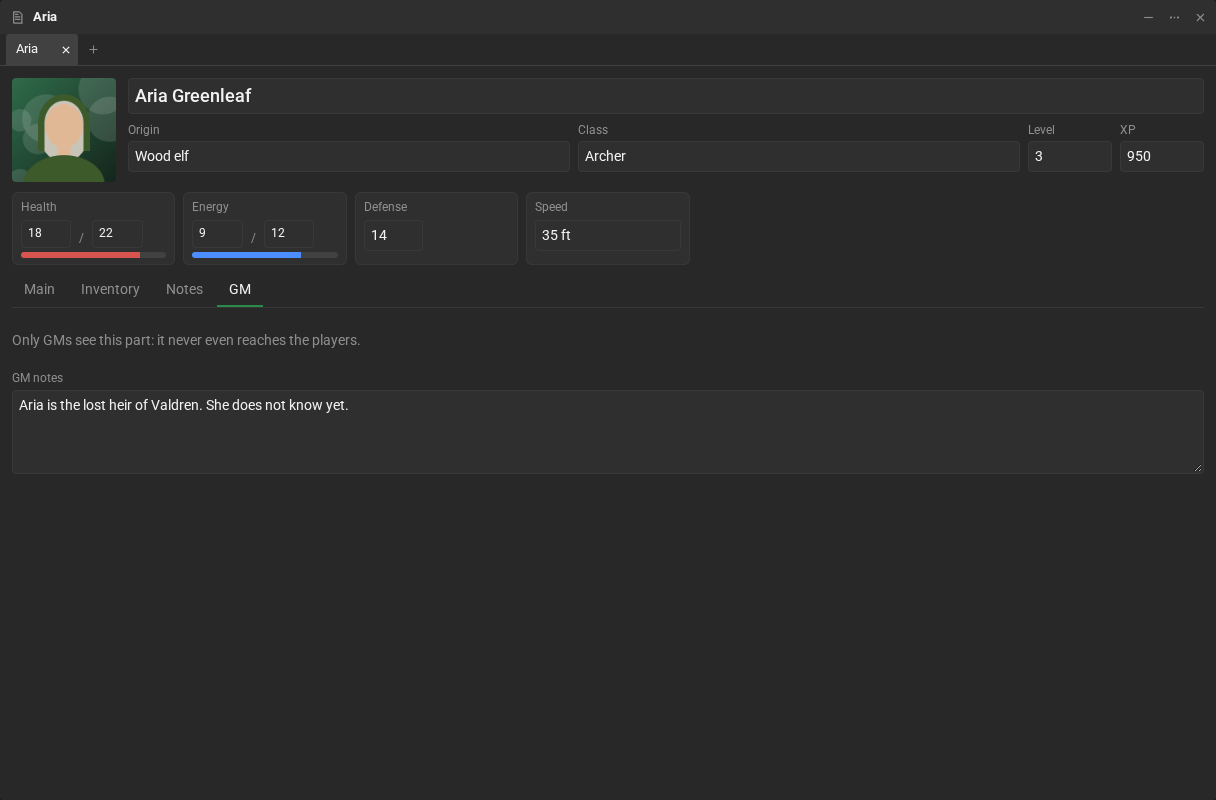
Whoever makes the sheet decides which parts belong to the game master. See Private parts.